

Auto captions. Just a few taps.
75% of people say they often watch mobile videos on mute. Make your message clear with captions.
Import your video and let Motific generate the captions automatically. Choose an animation style, adjust the look, and export with captions built in. Quick, easy, and all on your iPhone.
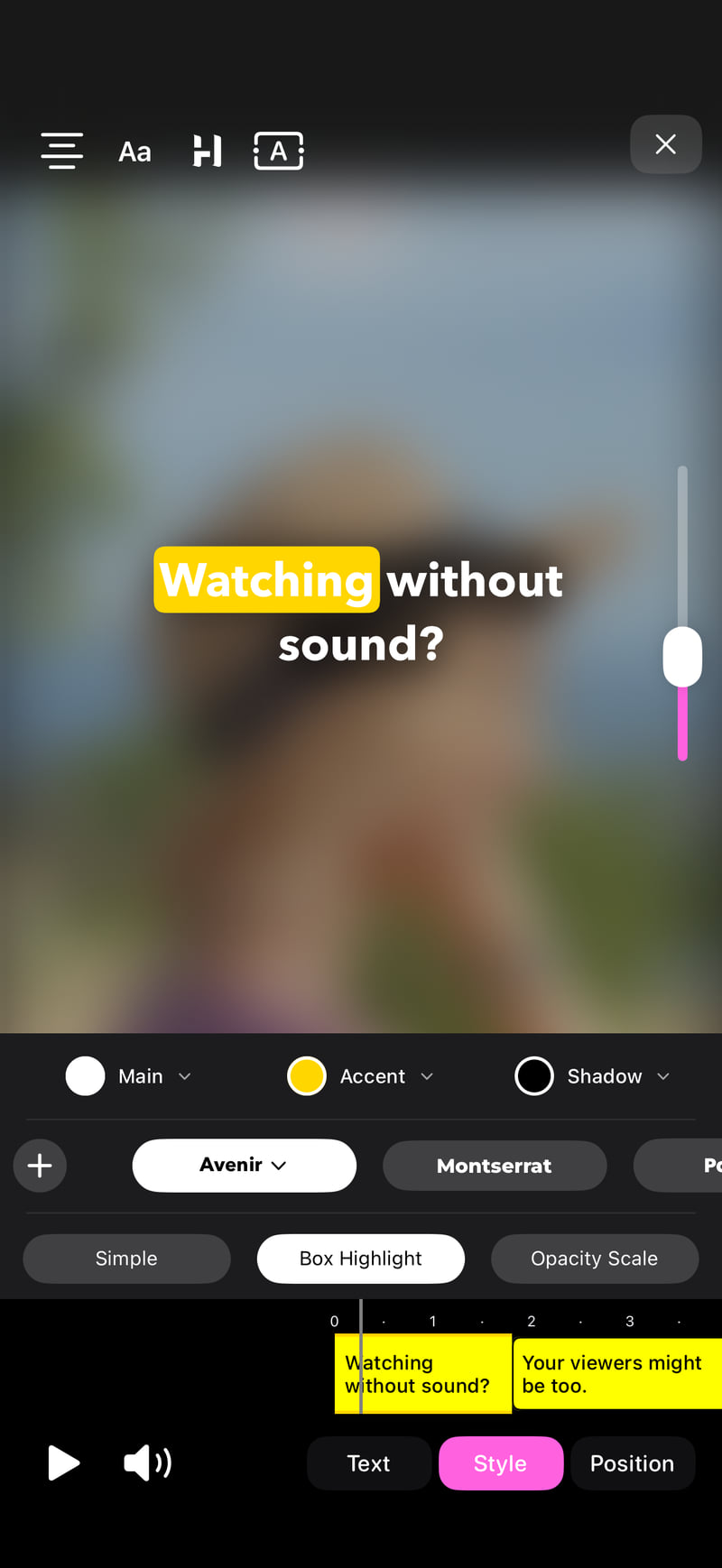
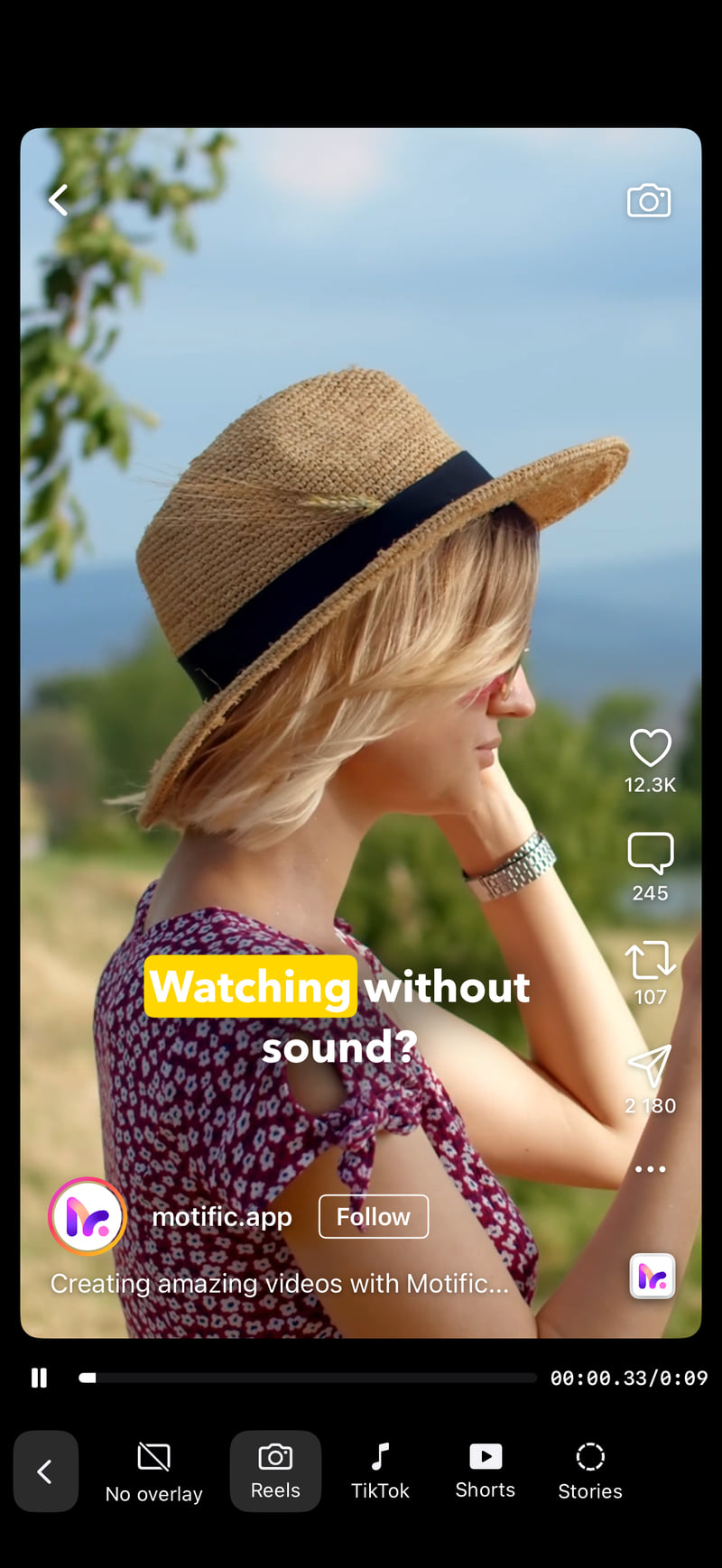

From spoken words to styled video captions
The same words flow from plain text into styled, animated captions: Every video has a story. Make yours easy to follow, even with the sound off.
Make every word impossible to miss
Explore caption styles from Motific while the demo plays. Pick an animation and a typeface to preview your changes instantly.
These styles are just a preview. Explore many more animations and fonts in the Motific app.
Caption, resize & share videos in seconds!
Turn speech into captions, format videos for any platform, and export or share in just a few taps.
Convert speech to text
Automatically turn speech into captions and add them directly to your video, ready to export.
Resize video for any platform
Easily convert your video format to Instagram, YouTube and TikTok in a single tap.
Fast export & direct sharing
Export your videos in high quality without compression and share directly to social media with one click.
How it works
Go from a video to a captioned, share-ready post in three simple steps.
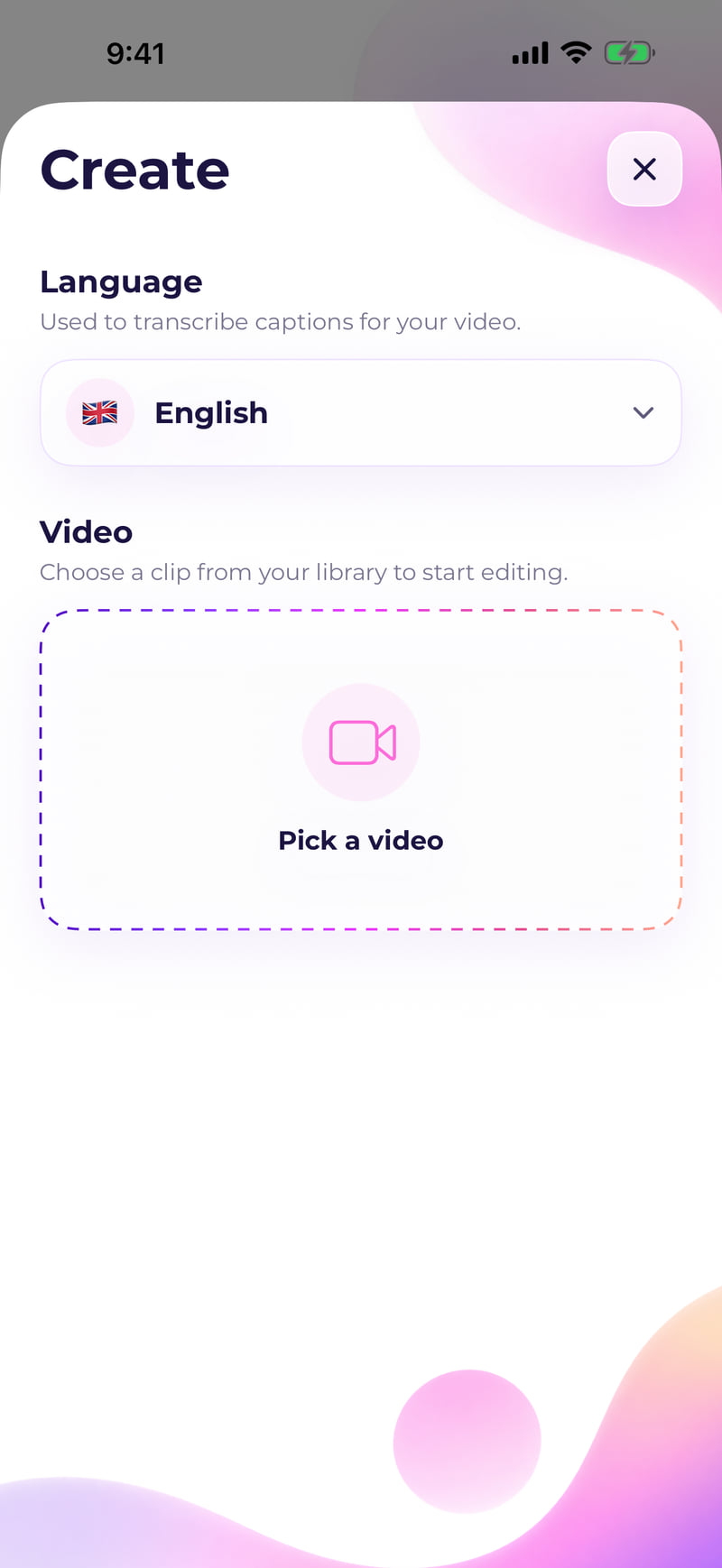
1. Choose a video
Select a video from your iPhone and Motific automatically turns the speech into captions.
2. Customize your captions
Edit the text, choose a theme, and customize how your captions look and appear throughout the video.
3. Export & share
Export your finished video with captions burned in, then save it or share directly to social media.
Choose Your Plan
Unlock more features & elevate your content!
Free
Create, caption, and export videos at no cost.
$ 0 /month
 Add automatic captions
Export videos up to 30 seconds
Export below 4K resolution
Small “Made with Motific” watermark
Pro
Unlock longer, sharper, watermark-free exports.
$ 3.33 /month Billed yearly at $39.99
Add automatic captions
Export videos up to 10 minutes
Export in up to 4K resolution
Export without a watermark
7-day free trial with the yearly plan
Prices shown are for the U.S. App Store in USD. Prices may vary by country or region. Check your local price on the App Store.
App preview
Talk is cheap. Check out the screenshots.
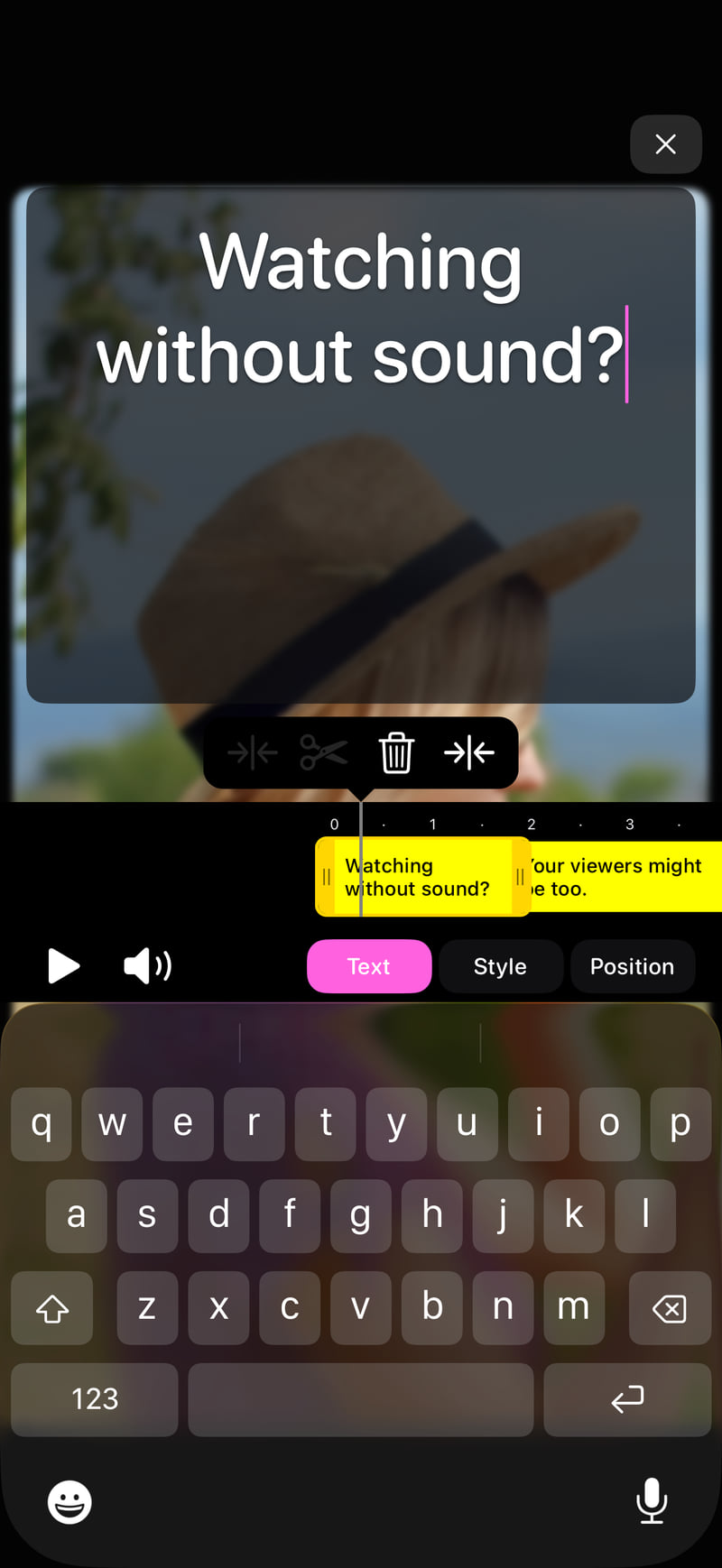
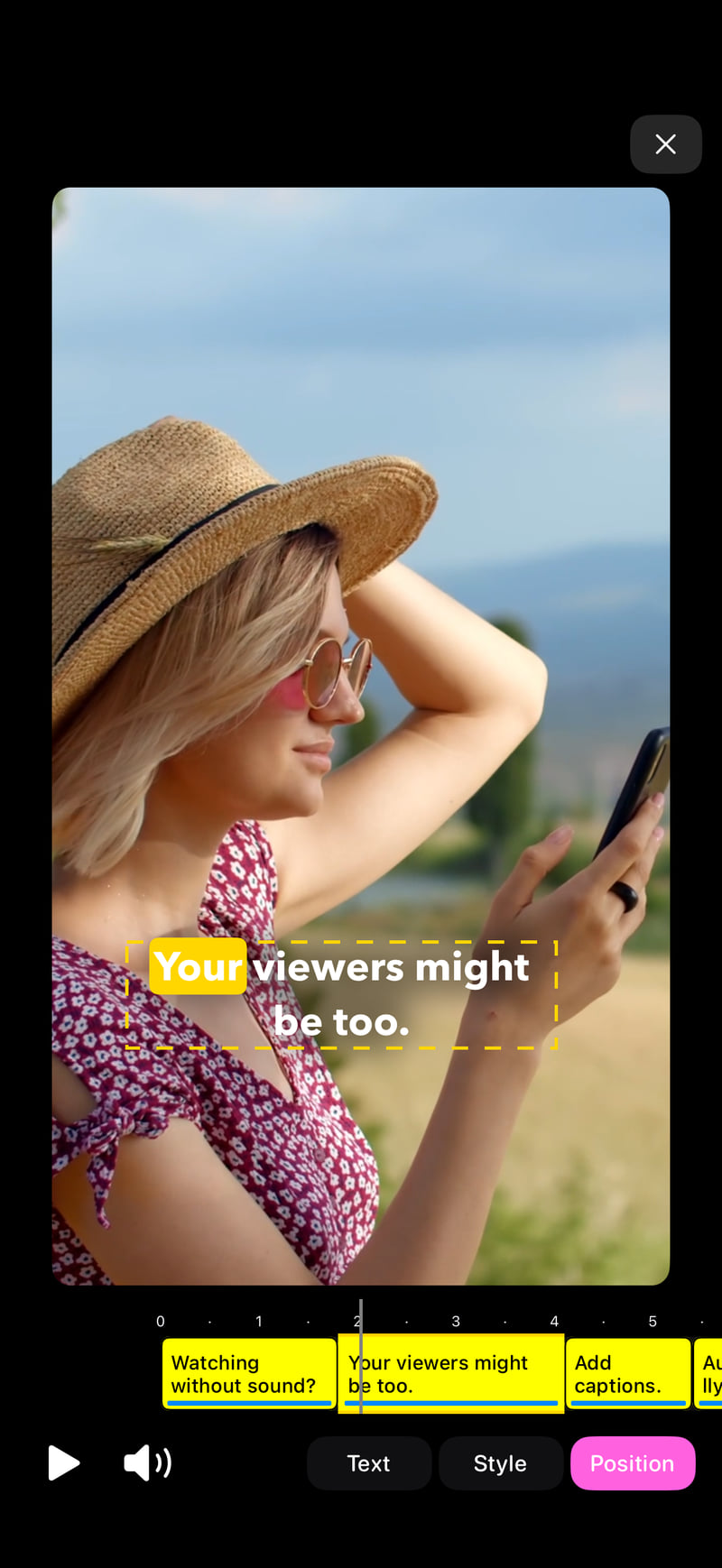
Download Motific now & get started for free
Start with Free, or try Pro free for 7 days with the yearly plan.
Frequently Asked Questions
Here's the practical stuff - what's free, how captions work, export options, and where your projects are stored.
Yes. You can create projects, edit, add captions, and export videos for free. On the free plan, exports are up to 30 seconds long, below 4K resolution, and include a small "Made with Motific" watermark. Upgrade to Pro to lift those limits.
Pro lets you export videos longer than 30 seconds, export in up to 4K resolution, and remove the watermark.
A watermark is added only to videos exported on the free plan, and it also appears on the editing preview. Upgrade to Pro to export without it.
Yes. The yearly plan comes with a 7-day free trial. Cancel anytime before it ends and you won't be charged.
When you start a project from a video, you pick the spoken language, and Motific transcribes the speech, and adds it to your timeline as caption slices. You can edit the text, restyle, move, or delete them.
Captions support over 100 languages, including English, Spanish, French, German, Italian, Portuguese, Polish, Hindi, Japanese, Chinese, Korean, Russian, and Arabic. Pick the spoken language when you create a project.
Videos can be up to 10 minutes long for captions. Longer videos take more time to transcribe, so trim anything over 10 minutes before adding captions. Clear audio gives the best results.
Choose portrait (9:16), landscape (16:9), square (1:1), 4:5, or a custom size. Videos export as .mp4, in up to 4K with Pro.
After exporting, you can save the video to your Photos library or to the Files app.
Projects are stored on your device only - there's no cloud backup, so they stay on this device. Keep this in mind before deleting the app or switching phones.
Let's Stay Connected
If you have any questions or need assistance, feel free to reach out - we're here to help!